



The Gutenberg editor has transformed how we build websites in WordPress. But to unlock its full potential, you often need a block addon plugin. Among the top contenders are Otter Blocks, Kadence Blocks, and GutenKit Blocks. Each offers unique features, customization options, and performance strengths.
In this post, we’ll compare Otter Blocks vs Kedence Blocks vs GutenKit Blocks in detail so you can decide which one is best for your website.
Quick Overview
Otter, Kadence, and GutenKit are all strong WordPress block plugins, but each greatly differs and targets a different use case. Kadence Blocks stands out for its tight theme and editor integration, global design controls, and performance optimization, especially when paired with the Kadence Theme. Otter Blocks focuses on flexibility and ease of use, offering practical blocks like sections and sliders, along with solid templates and visibility options. GutenKit, on the other hand, delivers an extensive library with 65+ blocks, 20+ modules, and 900+ templates, plus advanced tools such as Query Builders for dynamic content and full support for Full Site Editing (FSE), making it ideal for large or design-heavy projects.
Table of Contents
What are Otter Blocks?
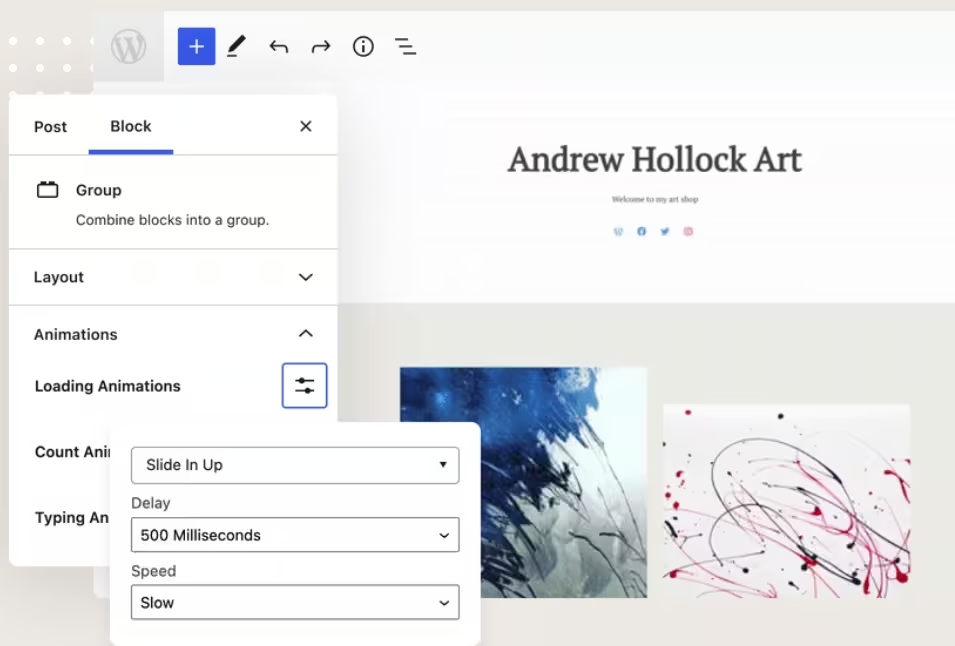
Otter is a WordPress plugin that extends the Gutenberg Block Editor with more than 20 additional blocks, ready-made patterns, visibility controls, custom CSS options, animations, and other powerful features.
Otter Blocks focus on lightweight performance and simplicity. Users can easily customize and style their websites using the typography controls, color settings, and responsive design options. Moreover, this plugin includes advanced functionality such as visibility rules, popups, animations, and even global defaults.
Features
- 20+ extra blocks, including testimonials, pricing tables, sliders, and forms.
- Pre-made block patterns for quick layouts.
- Conditional display options (based on device, user role, etc.).
- Lottie animation integration.
- Global typography and color controls.
Pros and Cons
| Pros | Cons |
|---|---|
| Very lightweight and fast | Smaller block collection than Kadence or GutenKit |
| Beginner-friendly interface | Limited advanced design tools |
| Useful conditional visibility feature | |
| Generous free version |
Active Installations: 300,000+
WordPress.Org Rating: 4.7 / 5
Free Version Available? YES
Pro Version: Starts At $69/yr
What are Kadence Blocks?
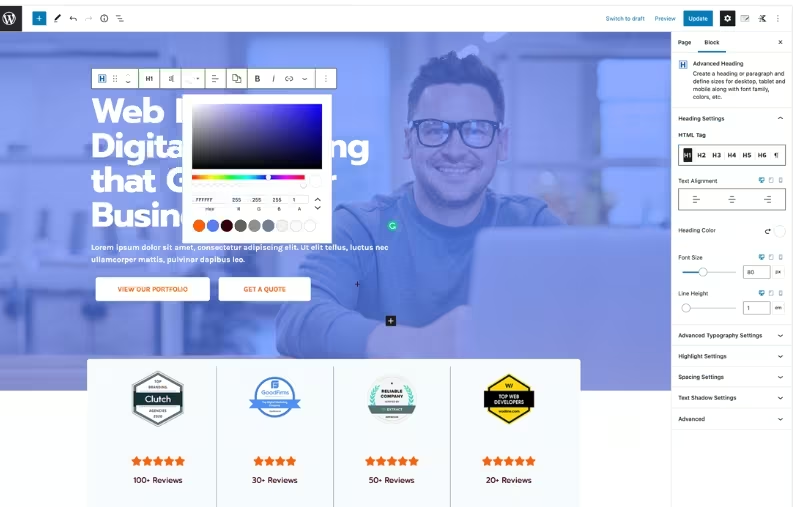
Kadence Blocks is created by Kadence WP. It is widely regarded as one of the most professional Gutenberg block libraries, emphasizing granular customization, advanced design options, and seamless theme integration, especially with the Kadence Theme.
Just like Otter Blocks, Kadence Blocks focus on performance, accessibility, and scalability. It offers versatile blocks, including row layout, advanced gallery, forms, accordion, testimonials, and so much more.
Otter Blocks is also known for its intelligent asset loading, responsive design controls, typography, color settings, configurable defaults, etc.
Features
- 25+ advanced blocks, including rows, forms, image galleries, and testimonials.
- Responsive design controls with breakpoints.
- Global color palettes and typography settings.
- Dynamic content support with custom fields.
- Extensive templates and block patterns library.
- Deep WooCommerce compatibility.
Pros and Cons
| Pros | Cons |
|---|---|
| Highly customizable design settings | Learning curve is steeper for beginners |
| Polished template and patterns library | Heavier than Otter for small projects |
| Perfect integration with Kadence Theme | |
| Great for agencies and professionals |
Active Installations: 500,000+
WordPress.Org Rating: 4.8 / 5
Free Version Available? YES
Pro Version: Starts at $119/yr
What are GutenKit Blocks?
GutenKit is the newest, yet fast-growing, Gutenberg tool. It has a draggable container width feature, which you can simply drag your cursor and adjust sections for unique layouts.
GutenKit is fully compatible with WordPress Full Site Editing (FSE). It has a wide variety of elements and block patterns to design every section of your site. Its free version includes various blocks and modules along with pre-designed templates to try.
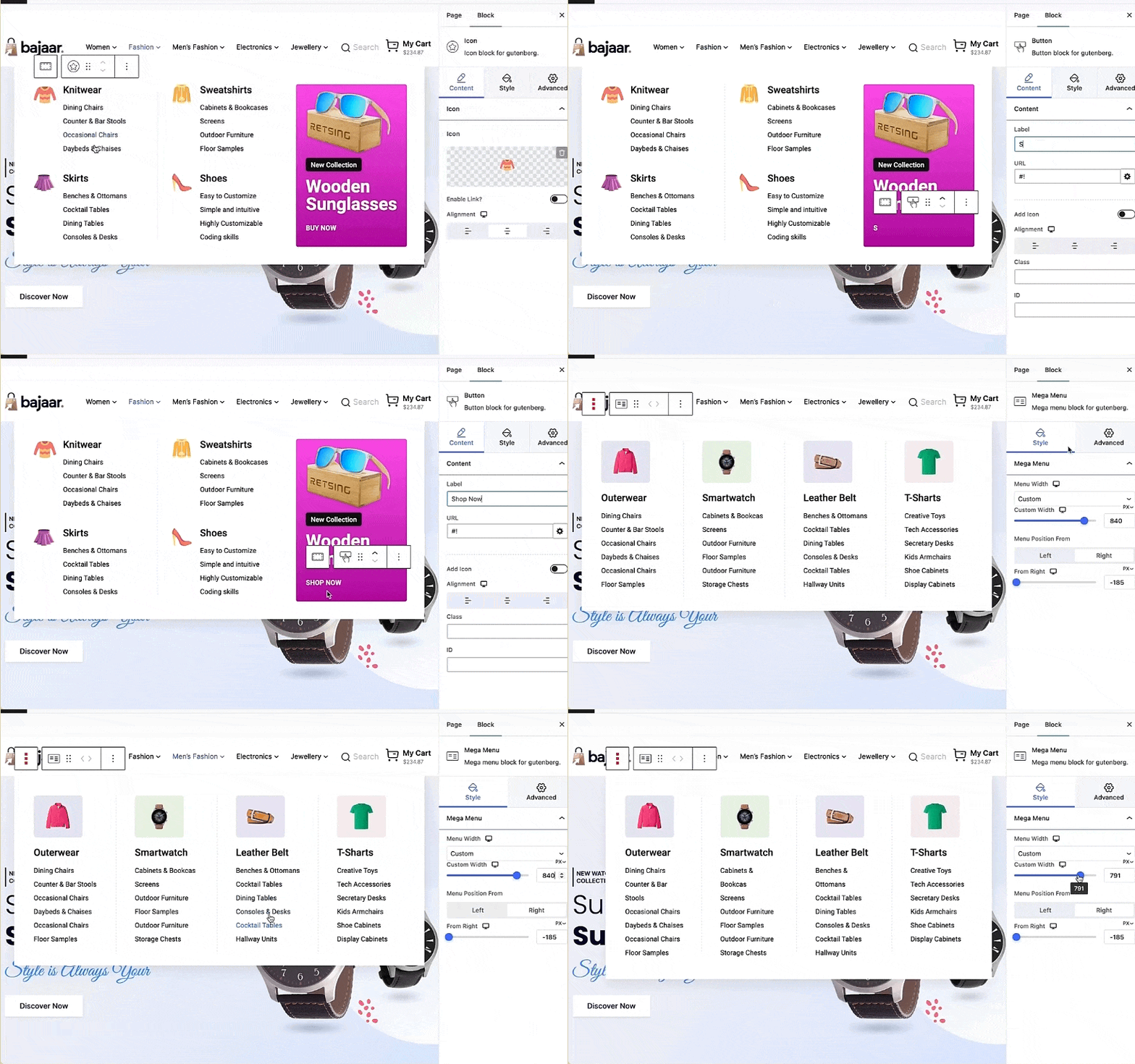
Additionally, GutenKit introduces powerful features, like mega menu builder, parallax effect, sticky content, breadcrumbs, and many more.
The mega menu of GutenKit allows visitors to easy navigation. You can set it as vertical or horizontal and design it with images and media. You also have option to select pre-designed template so you’ll need a little customization. You can enhance your mega menu with animation effects.
Features
- 65+ page builder blocks, 20+ versatile modules, including sliders, countdowns, accordions, and team sections.
- Motion effects and layered backgrounds.
- Section/container-based design system.
- Copy-paste style functionality between blocks.
- Responsive BREAKPOINTS for mobile, desktop & tablet.
- Full compatibility with Gutenberg and FSE.
- 900+ pre-designed templates and block patterns.
Pros and Cons
| Pros | Cons |
|---|---|
| Excellent variety of creative and unique blocks | A new plugin that makes users hesitant to try |
| Copy-paste style speeds up design workflows | |
| Motion effects add modern flair | |
| Strong free feature set compared to others |
Active Installations: 10,000+
WordPress.Org Rating: 4.5 / 5
Free Version Available? YES
Pro Version: Starts at $39
Otter vs Kadence vs GutenKit: Blocks Comparison
Here’s a side-by-side breakdown of how these plugins compare:
| Feature | Otter Blocks | Kadence Blocks | GutenKit Blocks |
|---|---|---|---|
| Number of Blocks / Block Types | 20+ blocks in the free version; many more in the pro. Examples: Advanced Heading, Tabs, Posts, Progress Bar, Add to Cart (WooCommerce). | 16-30+ blocks depending on version. Free has core useful blocks; Pro adds more (e.g., advanced forms, modal, post grid/carousel). | 90+ advanced blocks and templates – includes container, nav menu, image box, pricing table, testimonial, etc. Free – 36Pro – 27Modules – 27 |
| Templates / Patterns Library | Includes ready-import designs / full-page templates & patterns. | Has design/layout / prebuilt library of sections, starter templates in Pro. | Very large with 900+ patterns & templates. |
| Full Site Editing (FSE) Compatibility | Yes, supports block editor / Gutenberg; works with FSE features. | Yes, often used with themes that support FSE; has header/navigation blocks, etc. | Yes, GutenKit is described as fully FSE compatible. |
| Responsive Controls / Breakpoints | Yes, flexible grid/section blocks; supports responsive design and visibility conditions. | Yes, strong responsive controls (row layout, device-specific settings, visibility, etc.). | Yes, custom breakpoints (like 6 additional breakpoints), responsive options per block. |
| Dynamic / Advanced Features (Query Loop, Mega Menu, etc.) | Has visibility conditions, dynamic values/images/links; WooCommerce integration; popups etc. | Has Pro features: advanced query loops, dynamic content, modals etc. | Has mega menu builder, query loop builder, motion effects (animations, parallax), dynamic content, etc. |
| Performance / Asset Loading | Built to be lightweight; only load necessary assets; optimization in pro. | Known for being relatively performant, pro version adds more features but maintains optimization; good reviews. | GutenKit claims fast loading, smart asset loading (only what is used), optimized CSS/JS; and performance-aware. |
| Ease of Use / Learning Curve | Fairly friendly, especially if used to Gutenberg; patterns make layout faster; some advanced features may require getting used. | Very good at balancing power vs usability; good for both beginners and more advanced users. | Also aimed to give “page builder-like” experience in Gutenberg; many templates and UI features help reduce design time. |
| Unique / Standout Features | Dynamic values (inserting “%” etc. for post title, etc.), visibility conditions, sticky block transforms, global settings for blocks; strong WooCommerce support. | Advanced Header / Navigation blocks; wireframe blocks; strong row layout tools; design library; ability to import/export block settings; block defaults. | Mega menu + motion effects (3D parallax, etc.); many breakpoints; large template library; copy/paste styles; flexible container blocks. |
| Potential Drawbacks | Some vulnerability history (older versions) — need to keep updated. Some advanced features are locked behind Pro. A larger feature set could increase complexity. | Pro version required for many advanced/dynamic features. More blocks = potentially more assets to load; the user must manage for performance. | With many features, risk of some overhead; if many templates/blocks are installed that are not used, relatively new, that makes users afraid to try. |
Otter Blocks vs Kadence Blocks vs GutenKit Blocks: Which One to Choose?
Each plugin shines in different scenarios:
- Choose Otter Blocks if you want a lightweight, easy-to-use addon for simple websites and blogs where speed matters most.
- Choose Kadence Blocks if you’re a professional designer, agency, or advanced user who needs detailed customization, dynamic content, and a robust templates library.
- Choose GutenKit Blocks if you value creative design flexibility, motion effects, and style reusability for modern, visually engaging sites.
In short:
- Otter = Simplicity & Speed
- Kadence = Professional Power & Ecosystem
- GutenKit = Creative Design & Flexibility
The best choice depends on your goals:
- performance-focused blogging,
- client-ready projects, or
- stylish modern websites.
Leave a Reply