



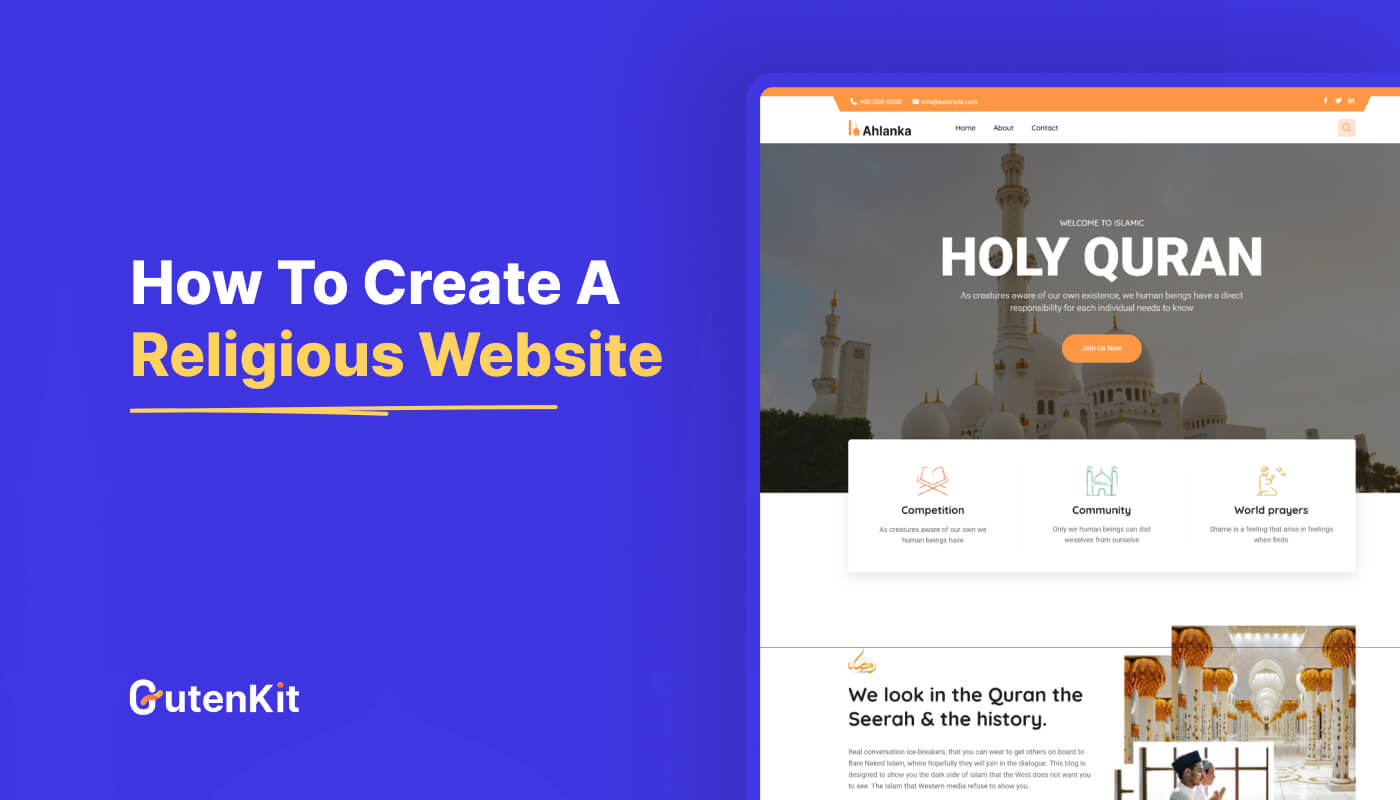
First, decide why you need the religious website. Then choose an easy to operate platform like WordPress and select a domain name. Create common pages such as About, Services, Events, and Contact using real photos. Finally, make the site mobile-friendly, add features like donations or calendars, and share it with your community.
So, you can now build a beautiful and functional site on your own within less time.
- WordPress – It’s best as a no-code website platform
- Get a domain and hosting – They make your site accessible online
- A ready-made religious template – Ready designs help to save your time
- Visual customization – Using a Gutenberg page builder like GutenKit assists in visual customization.
- Creating essential pages – Common pages including Home, About, Services, Events, etc.
- Optimize, test, and publish – After customization, go and publish your dream website confidently.
Table of Contents
Why You Need a Website: Know Your Goal
A dedicated website serves as the central hub for your religious community. It acts as a digital front door to the public. Your primary goal might be to facilitate easy visits by sharing essential information, such as service times and location details. You can also add a clear explanation of what newcomers can expect when they attend.
Another key purpose is to maintain strong communication and community life. The site provides quick access to important announcements and contact details, and also manages a comprehensive event calendar so members are always informed.
A powerful website supports both spiritual growth and financial stability. It hosts a valuable digital library of sermons, videos, and study guides for ongoing education. So your website must serve as a secure and easy platform for members to process donations, offerings, and tithes online.
How to Create a Religious Website Without Coding
We’ve divided the process into a few simple steps. Have a look –
Step 1: Choose WordPress: The No-Code Website Builder
WordPress is a no-code platform, and we recommend it for you. It also offers vast flexibility through thousands of themes and plugins. By integrating a highly customizable builder like GutenKit, you can customize a site exactly for your religious community’s needs.
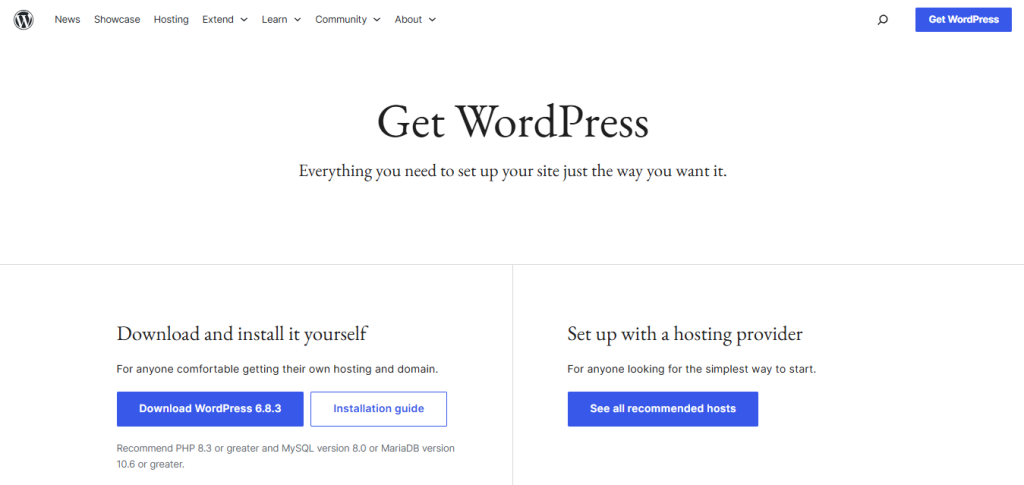
To establish your presence, you need two fundamental components:
- Domain: This is your website’s unique address (e.g., mysite.org).
- Hosting: This is the server space where all your website files are stored, making it accessible on the internet. Many hosting providers offer one-click installation of WordPress, like Bluehost, SiteGround, HostGator, etc.
Step 2: Select a Suitable Template
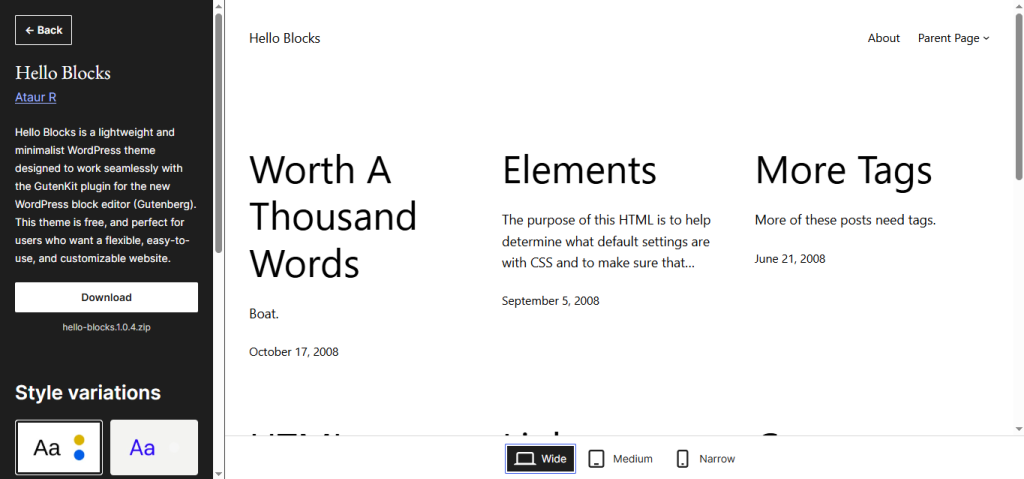
After setting up WordPress, you have to install a theme or template designed for ministries or non-profits. These pre-designed layouts save time and already include necessary sections. For example, you can choose Hello Blocks, a theme by GutenKit for GutenBerg site customization.
Step 3: Integrate Third-party Tools
Now, you have to replace placeholder text and images with your organization’s unique content. To easily customize the theme and add content, you can pick GutenKit, the Gutenberg page builder. It offers all customization elements to design each page and section of your website.
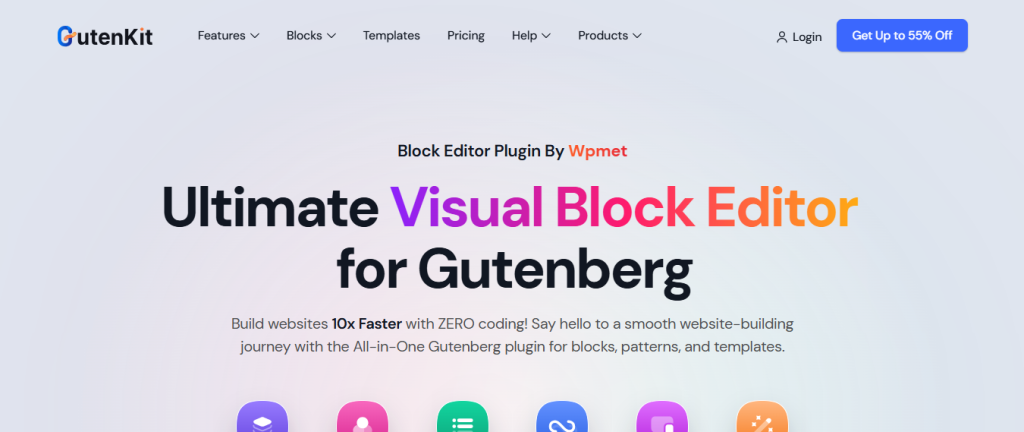
Get GutenKit Pro for premium design features.
Step 4: Start Creating Pages
Building these webpages is easy. You just have to choose a ready religious template to get the essential layout, then make quick edits to fit your needs.
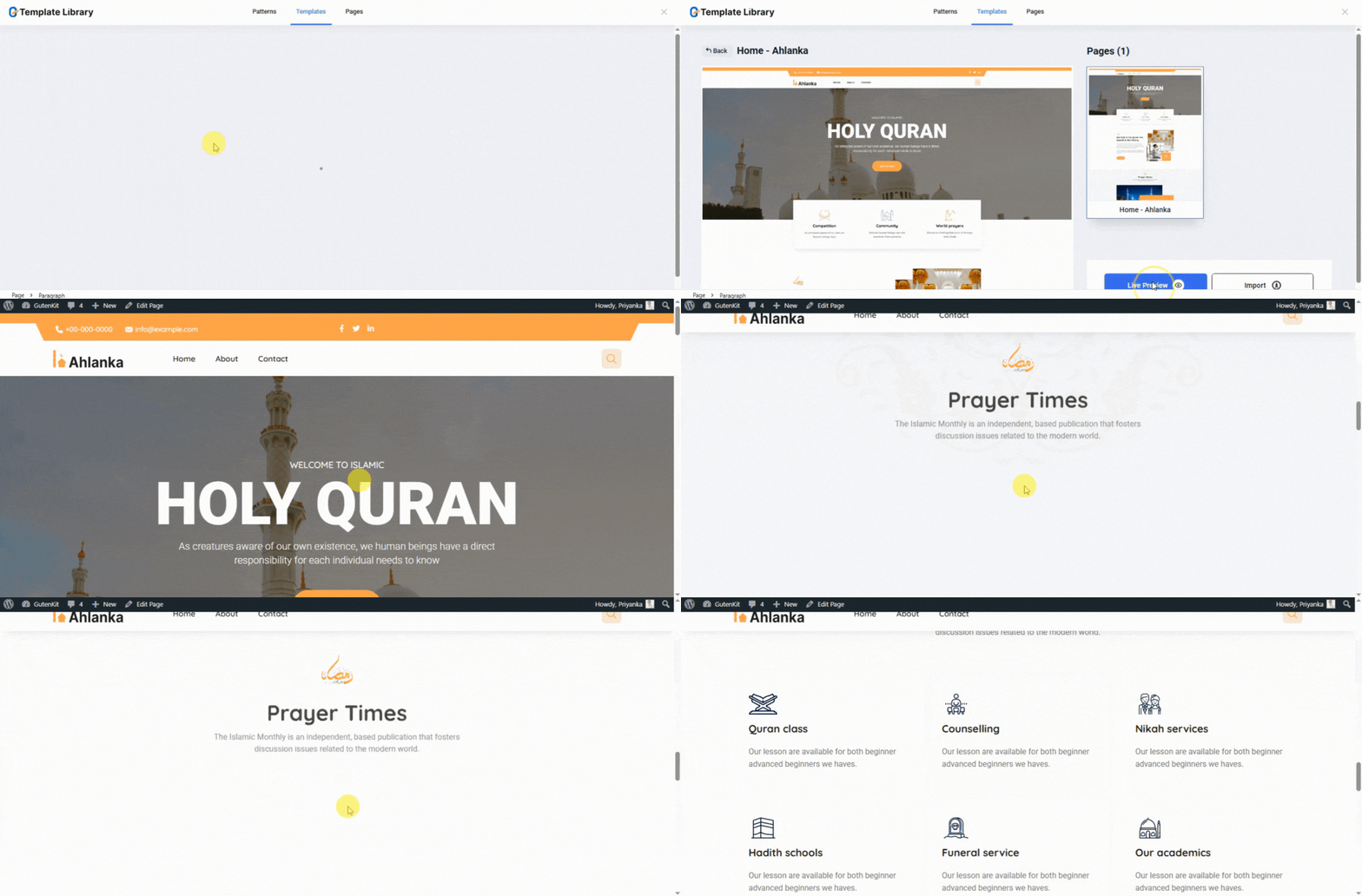
- Home page: The main welcome page of your religious site. It should clearly state the vision/goal of the site. So you can set a clear tagline for the visitors, add visuals, videos, and anything you want to highlight.
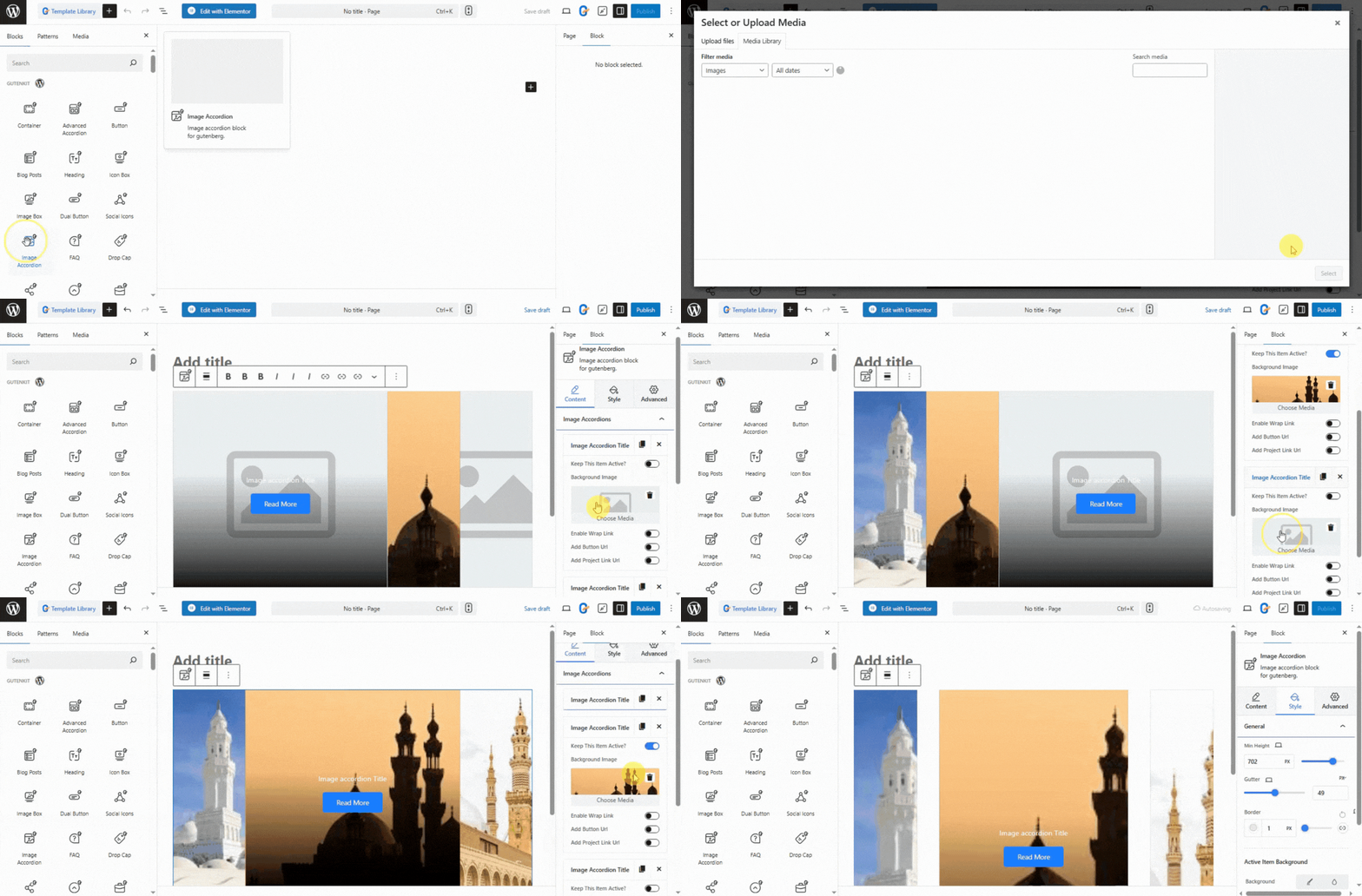
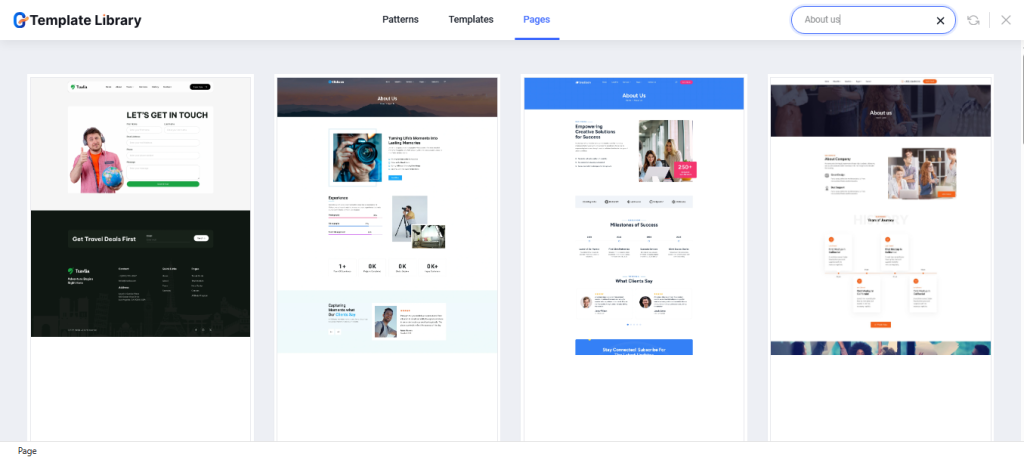
- About Us page: Having an About Us page is crucial for establishing identity and trust. To design your page smartly, add details of your mission, vision, values, history, and core beliefs. GutenKit offers ready templates to ease your design tasks. You can always create blocks to design each part of the page from scratch.
- Activities/Services: This page provides essential details about the regular weekly gatherings and any specialized programs. List all weekly service times, describe the style, e.g., traditional, contemporary, and others.
Example: Our main gathering is the Friday (Jumu’ah) Khutbah at 1:30 PM. The style is contemporary and engaging, with a focus on applying Islamic ethics to current societal issues, led by Imam Amin.
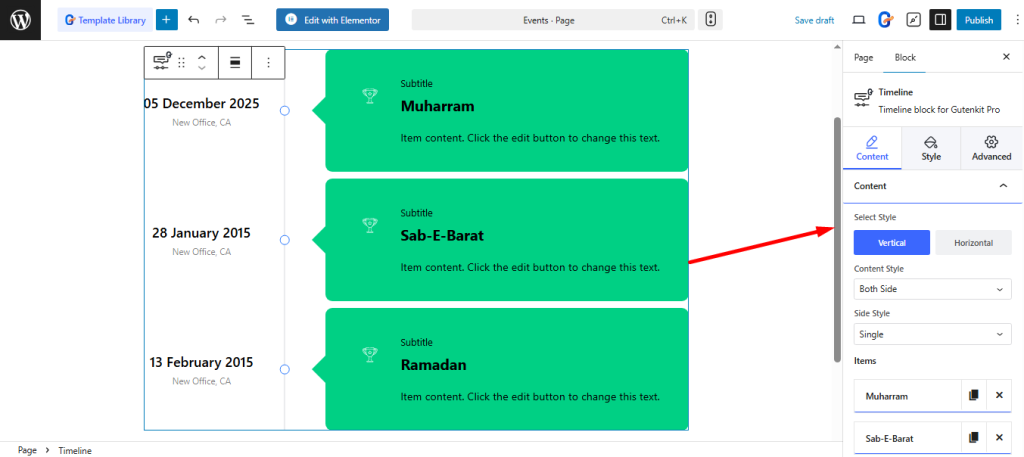
- Events / Calendar page: A dedicated, interactive page that displays all scheduled happenings within your organization. For instance, you can schedule lectures related to important historical days, like the remembrance and programs surrounding Muharram and Ashura. The calendar should allow users to see full event details, including registration links and specific locations.
- Give / Donate: This is the secure page dedicated to financial stewardship and supporting your mission. This page must include a secure portal for one-time or recurring online giving. Clearly articulate how funds are used for transparency, and offer alternative giving methods, e.g., mail-in details.
However, for secure payments, you need a dedicated donation plugin, such as FundEngine.
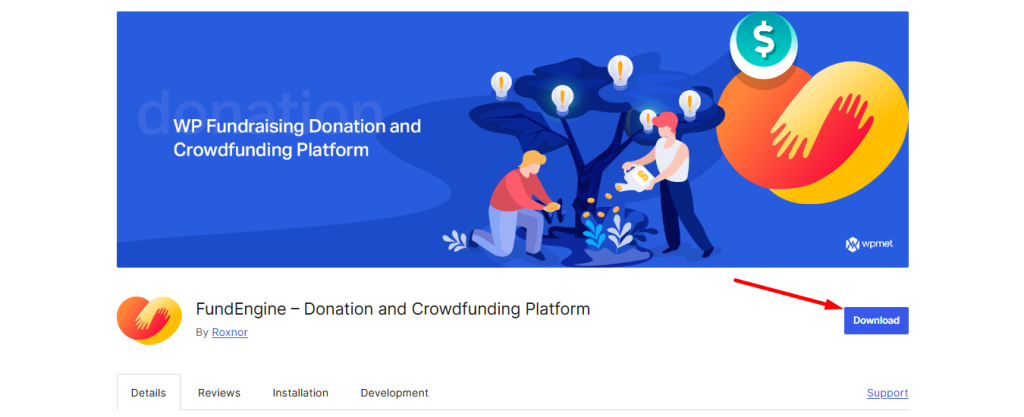
The no-code donation setup is simple and fast. It facilitates creating both a Single Donation Campaign and Crowdfunding.
Guide to creating 👉 Single Donation Campaign with FundEngine
Guide to creating 👉 Crowdfunding with FundEngine
Step 5: Optimize and Publish
After designing your desired website, check these things, then go for launch:
- Optimize: Ensure the site loads quickly and is mobile-responsive on all devices.
- Test: Check all links, forms, and sermon embeds.
- Publish: Make your finished website live and start using it to connect with your community and the public!
Tips to Maintain Your Religious Website
Publishing a website means one part done, now, you have to concentrate on maintaining the site regularly. You have to update it regularly to build trust and keep your community engaged. Regular care ensures your site stays secure, relevant, and welcoming for visitors.
- Check content regularly like events, sermons, announcements, etc.
- Keep WordPress, themes, and plugins up to date.
- Ensure fast loading speed and mobile responsiveness.
- Back up your site and monitor security regularly.
- Promote it on social media like Facebook, Instagram, LinkedIn, etc.
Key Takeaways
So, without any technical skills, you now know how to create a religious website easily. Choose WordPress and customize quickly with GutenKit templates and design elements. The core steps are clear: design with GutenKit and secure your giving. Follow these steps, and your powerful website is ready to launch today.
Leave a Reply